Instagram Highlights Downloader
Download high-quality Instagram highlights online
Simply paste the link of the highlight
Instagram Highlights Downloader | IGsaver
It is not possible to save Instagram highlights directly from Instagram. To learn more about Instagram you can visit Wikipedia. We developed this Highlights Downloader Tool For Instagram, an online app, to overcome this issue. With the support of the IGsaver highlights downloader tool, you can download every item in a public highlight in high quality quickly. All you need is the link of the highlight. Videos are downloaded in MP4 format and photos in JPG format.
Features Of Highlights Downloader For Instagram
- Download every item in a public highlight
- Download highlight photos and videos
- Unlimited downloads
Why Choose IGsaver?
A fast, free and private way to save your favourite Instagram and Facebook media, with no catch.
100% Free
Completely free with no hidden fees or subscriptions. Download as often as you like.
No Sign-Up Needed
No account, email or login required. Just paste a link and download.
Safe & Private
We never ask you to log in, and we don't store the links you paste or the files you download.
Original Quality
Photos and videos are saved in the highest quality Instagram provides.
Every Content Type
Reels, videos, photos, stories, highlights and profile pictures are all supported.
Instagram & Facebook
One simple tool for both Instagram media and Facebook reels.

Coming Soon On Playstore
We are working hard on developing an IGsaver - Instagram Downloader android app. The app will be available on playstore soon with more functionalities, high performance and improvements.
How To Download Instagram Highlights?
Open the highlight on Instagram, use Copy link from the share menu, and paste it in the box above.
The link looks like one of the following.
| POST TYPE | URL FORMAT |
|---|---|
| Instagram Highlight |
|
How To Download Instagram Highlights On PC?
Here is a step-by-step guide to download Instagram highlights on PC or laptops.
Let us see how you can use our IGsaver highlights downloader:
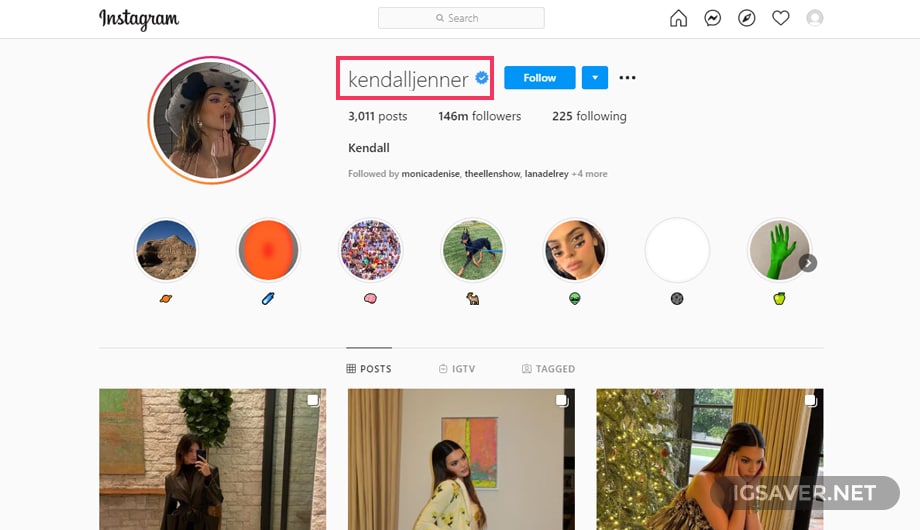
STEP 1
Open the highlight and copy its link from the share menu.
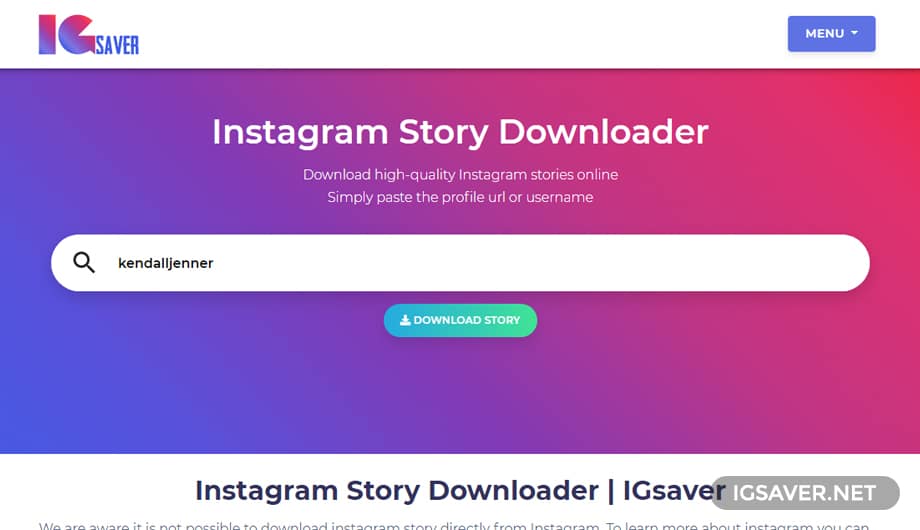
STEP 2
Paste the highlight link into the box above.
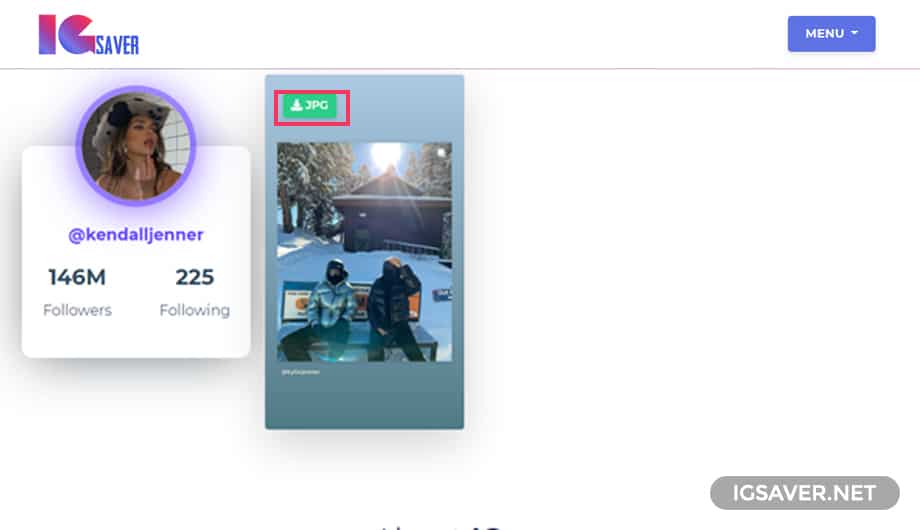
STEP 3
Finally, click on MP4/JPG to download each highlight item.
How To Download Instagram Highlights
On Mobile( Iphone or Android)?
No need to install any extra apps, just visit igsaver.net.
Here is a step-by-step guide to download Instagram highlights on mobile devices Android or iPhone.
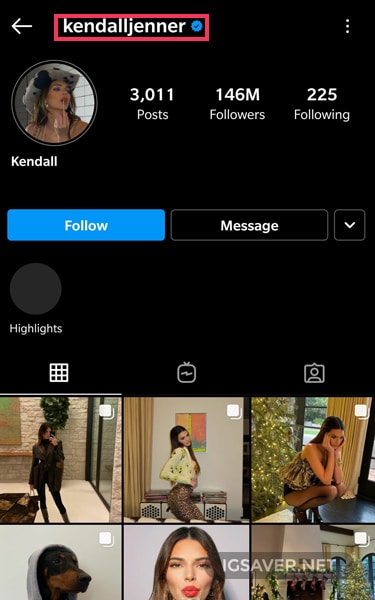
STEP 1
Open the Instagram app, open the highlight, and copy its link.
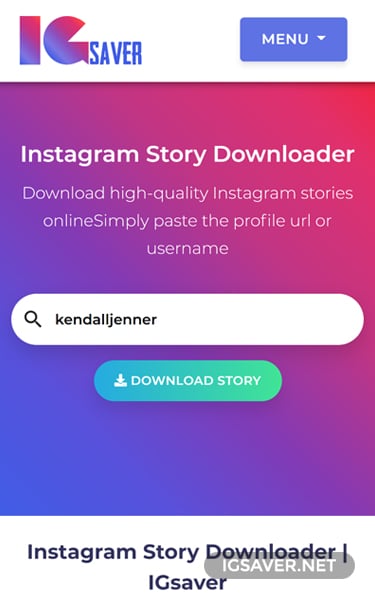
STEP 2
Paste the link you copied in the previous step and click download.
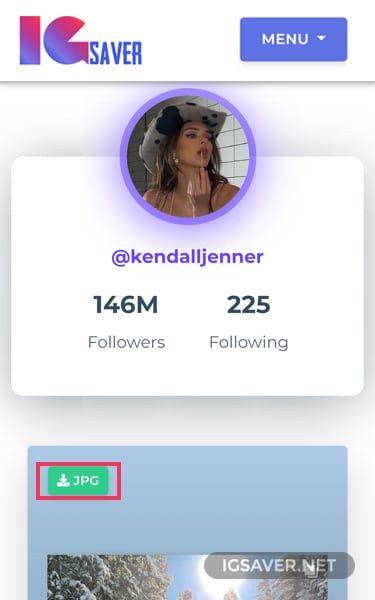
STEP 3
Finally, click on the MP4/JPG button to download the highlight items on mobile devices.